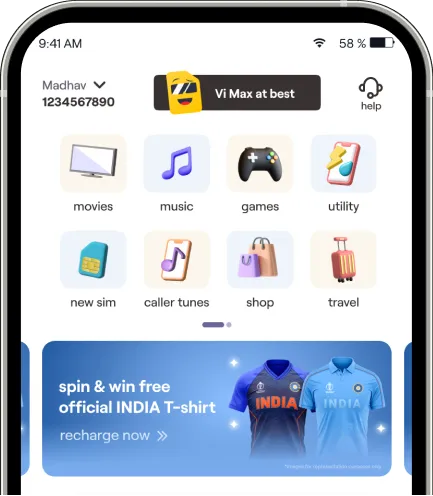
Customers can activate or deactivate Paygo (pay as you use) service in 3 ways - on the Vi App, via Call or via SMS.
Call 1925 to activate / deactivate to provide the data consent.
SMS <START> or <STOP> to 1925 to activate or deactivate the Pay as you use service respectively.
You can also activate/ deactivate paygo service on the Vi App under My account section
locate a Vi store near you»